
Our Location
304 North Cardinal St.
Dorchester Center, MA 02124

Learn how to design invitations with PNG files for birthdays, baby showers and personal celebrations using a clear, beginner-friendly process.
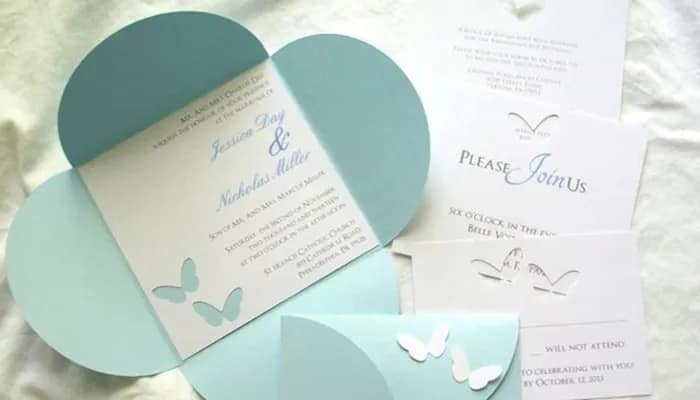
You do not need advanced illustration skills to design invitations with PNG files. A transparent cartoon graphic, a well-chosen background and a clear text hierarchy can turn a simple template into a fun invitation for a personal birthday, classroom event, baby shower or family celebration.
Follow this beginner-friendly workflow to create an invitation that looks attractive and remains easy to read.
Write down the essential information first:
Decide whether the invitation will be printed, sent through a messaging app, emailed or shared on social media. A printed 5 × 7-inch card has different proportions from a square social post or vertical phone invitation.
Search PandaPNG by theme or category. Birthday graphics, cute animals, fantasy creatures, cartoon classics and pastel backgrounds can all inspire a personal invitation.
Choose one main graphic instead of trying to fit many unrelated characters onto the page. A high-resolution PNG with a clean transparent edge will be easier to resize and position. Before downloading, review the file information and PandaPNG’s current usage terms.
Open Canva, PowerPoint, Adobe Express or another design tool and create a document at the final size. For printing, ask the printer whether bleed and crop marks are required.
Use a solid colour, soft gradient, subtle pattern or lightly blurred scene. The background should fit the mood while preserving enough contrast for the text.
Upload the original file and place it on one side, at the bottom, or near the top as a visual anchor. Resize from a corner to preserve the image proportions. Leave clear space for the event details.
Make the event name or celebrant’s name the largest text. The date, time and venue should be smaller but still prominent. RSVP details can be placed near the bottom.
Use no more than two or three fonts. A playful display font can work for the headline, while a clean sans-serif font is usually better for practical information.
Choose two or three colours from the PNG and repeat them in the heading, shapes or border. This makes the character and text feel like parts of one design.
Small stars, balloons, confetti, clouds or flowers can fill awkward gaps, but avoid scattering them everywhere. Supporting elements should lead the eye toward the important information.
Check every name, number, date and address. Send a preview to another person to review. If the invitation will be printed, produce one test copy to check colour, size and readability.
Use PDF Print for professional or home printing when supported. Use PNG or JPG for digital sharing. Do not compress the file repeatedly through messaging apps before sending it to a printer.
Character side panel: Place the PNG on the left and align all details in a clean block on the right.
Top title, bottom character: Put the event title at the top, details in the centre and the character across the lower edge.
Framed centre card: Use a background image, place a semi-opaque light panel in the centre, and position small PNG graphics around the panel.
Avoid low-contrast text, too many fonts, stretched characters and important information placed too close to the edge. Do not use a screenshot when the original transparent download is available. Finally, remember that a beautiful invitation still fails if the venue, time or RSVP information is hard to find.
The secret to designing invitations with PNG files is balance. Let one strong graphic establish the theme, then give the event details enough space to do their job. Browse PandaPNG’s birthday, holiday, animal, fantasy and background collections to find a starting point for your next personal celebration.
Quick FAQ
What size should a digital invitation be? Choose dimensions that match the platform where it will be shared. A vertical format is often comfortable on phones, while 5 × 7 inches is common for printed cards.
Can I remove the background from a PNG? A true transparent PNG may already have no background. If it includes one, use an editing tool only where the licence and your software allow it.
Can I sell invitation templates made with PandaPNG files? PandaPNG’s general terms do not allow commercial use or resale unless otherwise specified.
